OSVault

OSVault

Secure, Native Password Vault

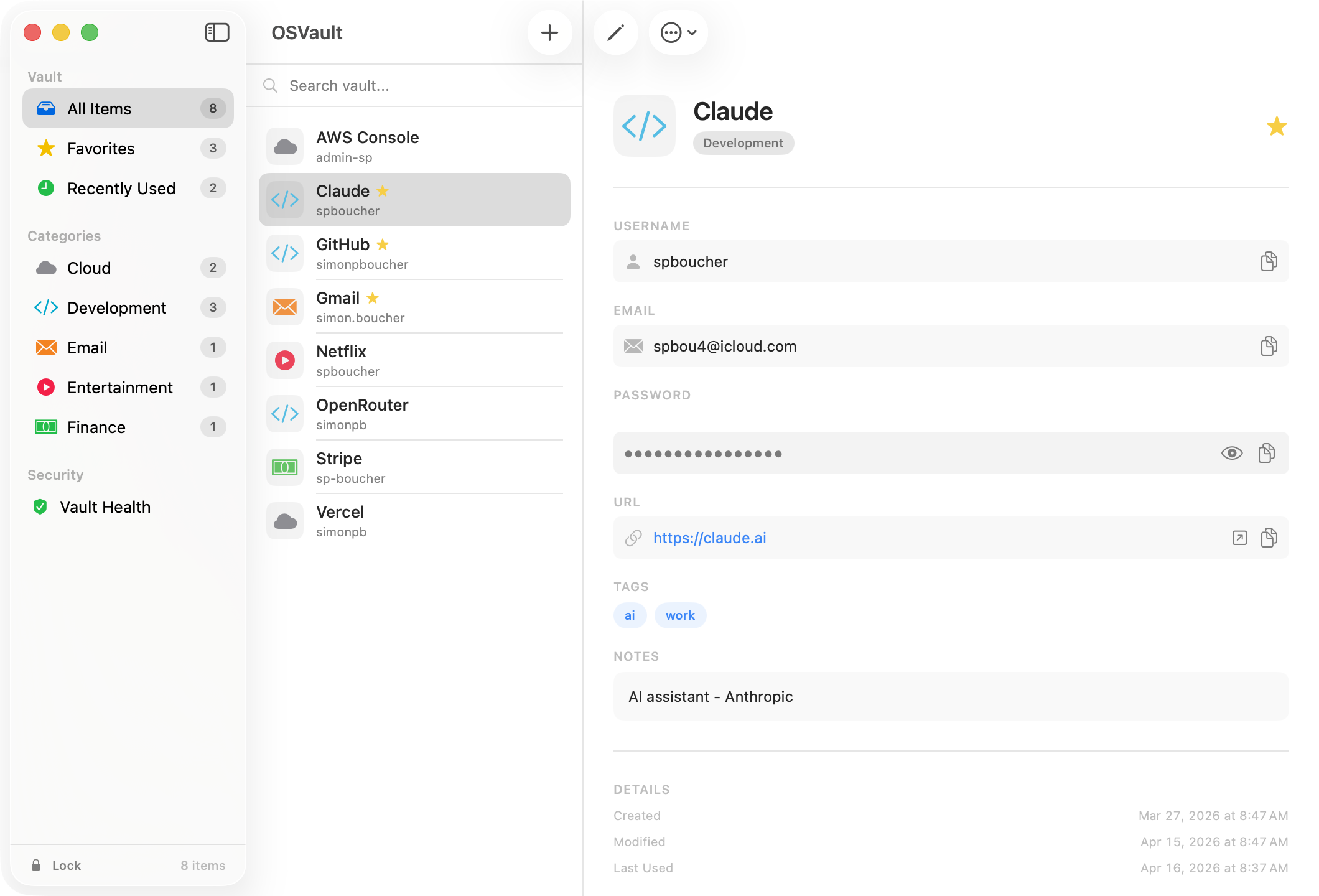
A fully native macOS password manager with AES-256-GCM encryption, PBKDF2-SHA256 key derivation with 600,000 iterations, 256-bit salt, zero external dependencies. Three-column layout with category sidebar, credential list, and detail panel. Local-only storage.
 macOS 14+ Swift 5.9+ 3,400+ LOC v2.0.0
OSVault — Main Vault

Features

🔐

AES-256-GCM Encryption

Military-grade encryption using Apple CryptoKit. Every credential is encrypted at rest with authenticated encryption.

🔑

PBKDF2-SHA256 Key Derivation

600,000 iterations with 256-bit random salt. Your master password is stretched into a cryptographically strong key.

🎯

Password Generator

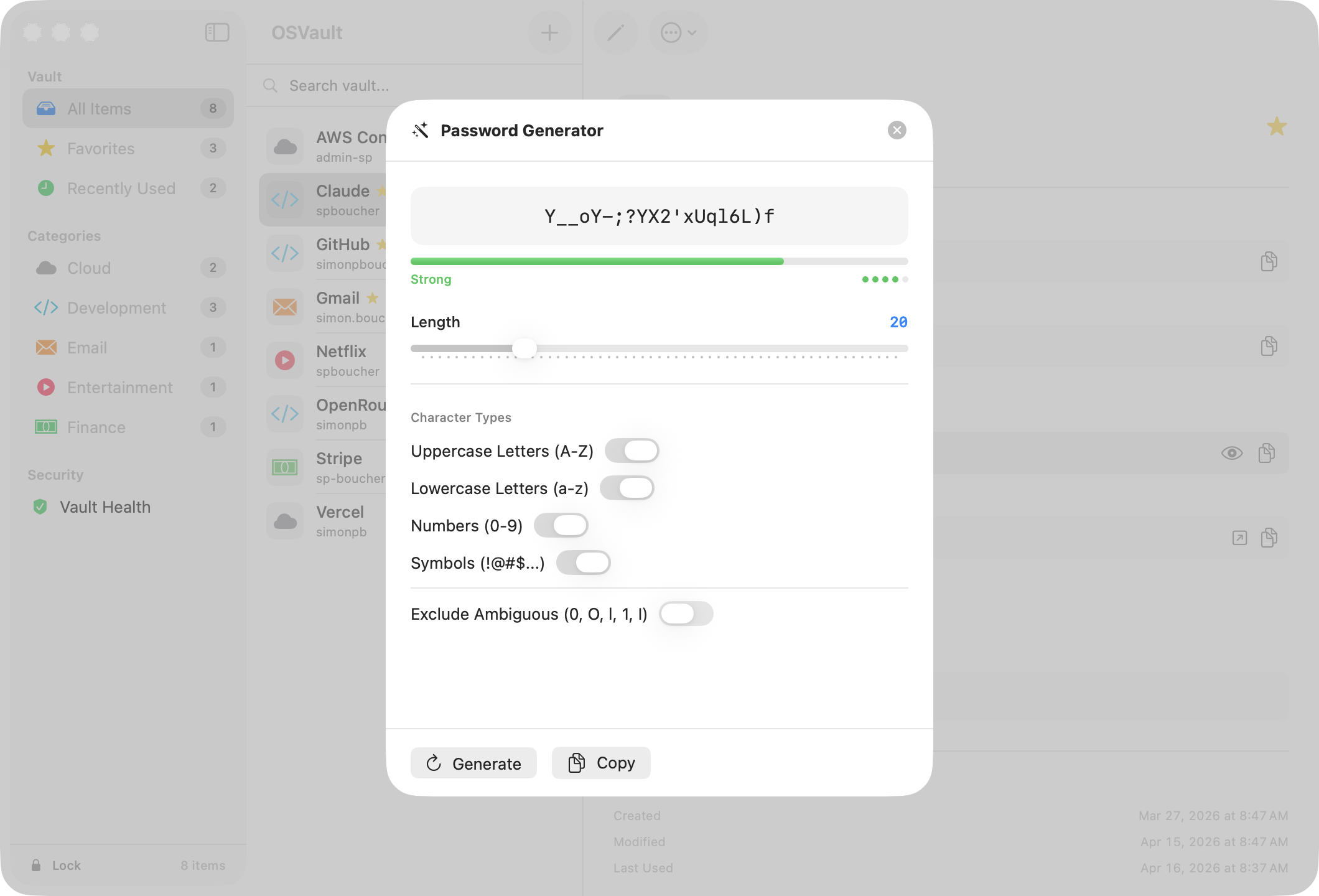
Cryptographic password generator with configurable length, character types, and strength indicator. Generate strong unique passwords.

💻

Three-Column Layout

Category sidebar with filters, credential list with icons, and full detail panel. Fast search and category-based organization.

🔒

Auto-Lock & Security

Configurable auto-lock timeout, clipboard auto-clear, master password change. Shake animation on failed unlock attempts.

💾

Zero Dependencies

Built entirely with Apple frameworks: CryptoKit, SwiftUI, AppKit. No third-party libraries. Local-only storage, no cloud sync.

Screenshots

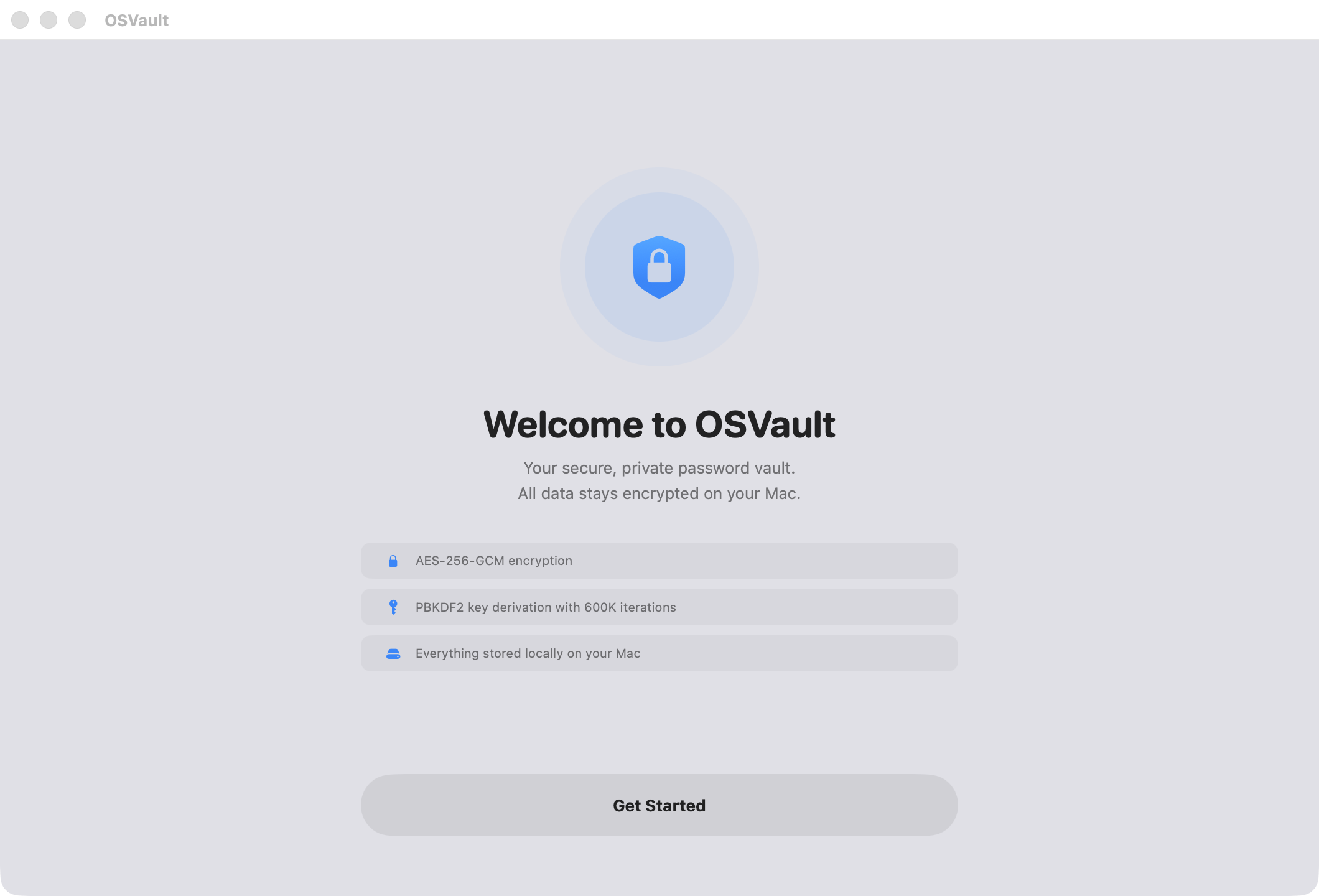
OSVault — Welcome
First-launch onboarding with security feature badges
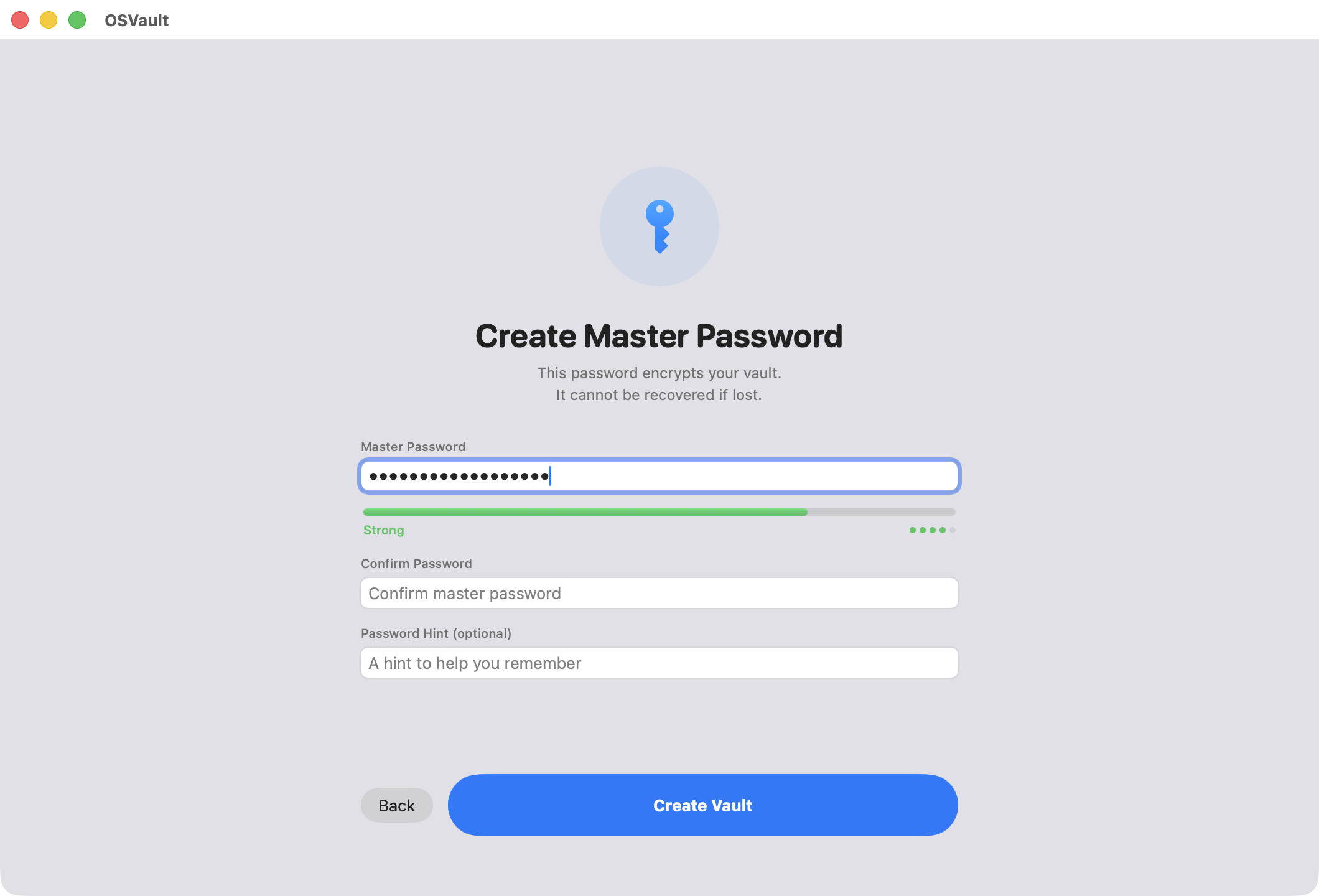
OSVault — Create Password
Master password creation with live strength meter
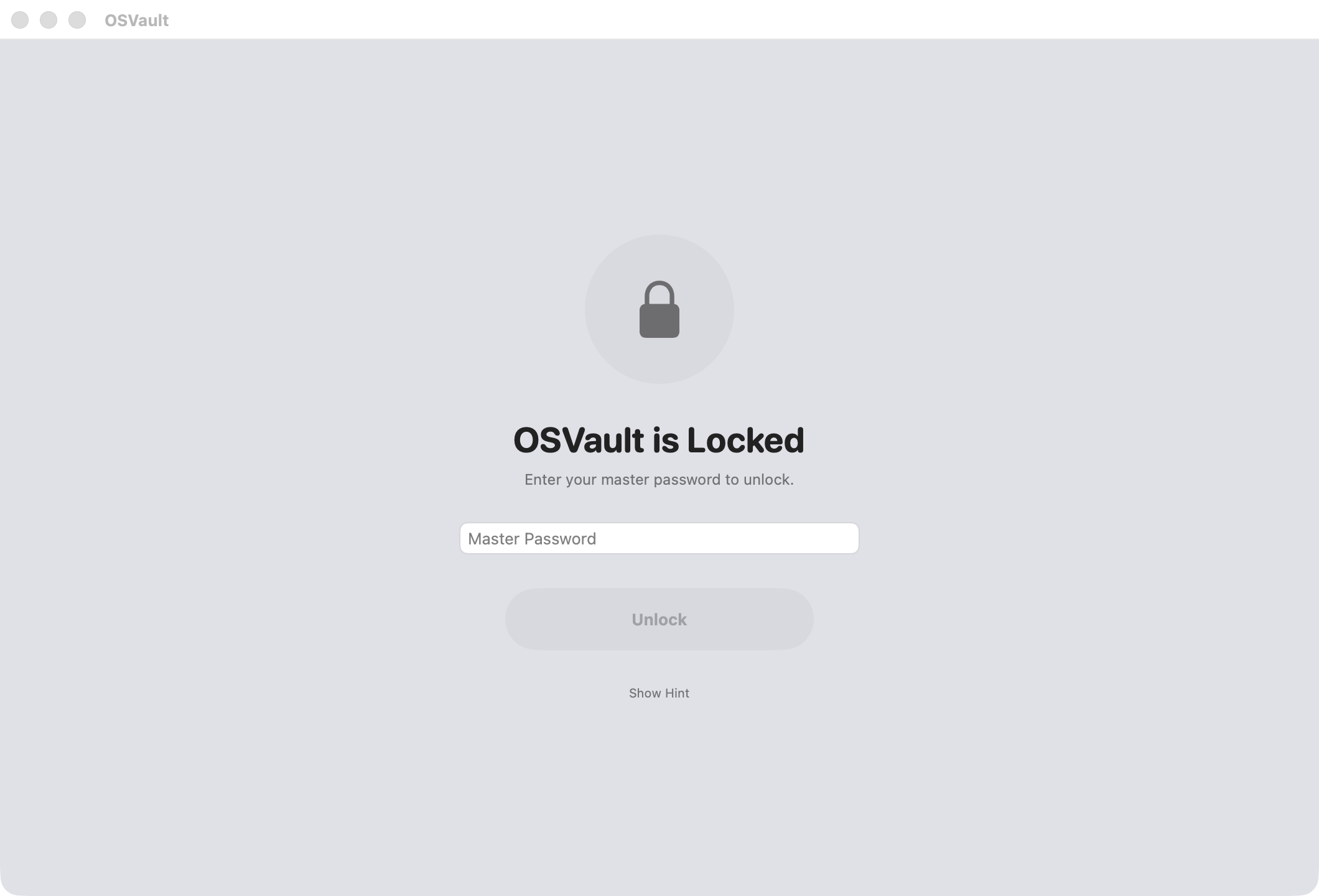
OSVault — Lock Screen
Secure unlock with hint support and shake animation
OSVault — Generator
Cryptographic password generator with configurable options
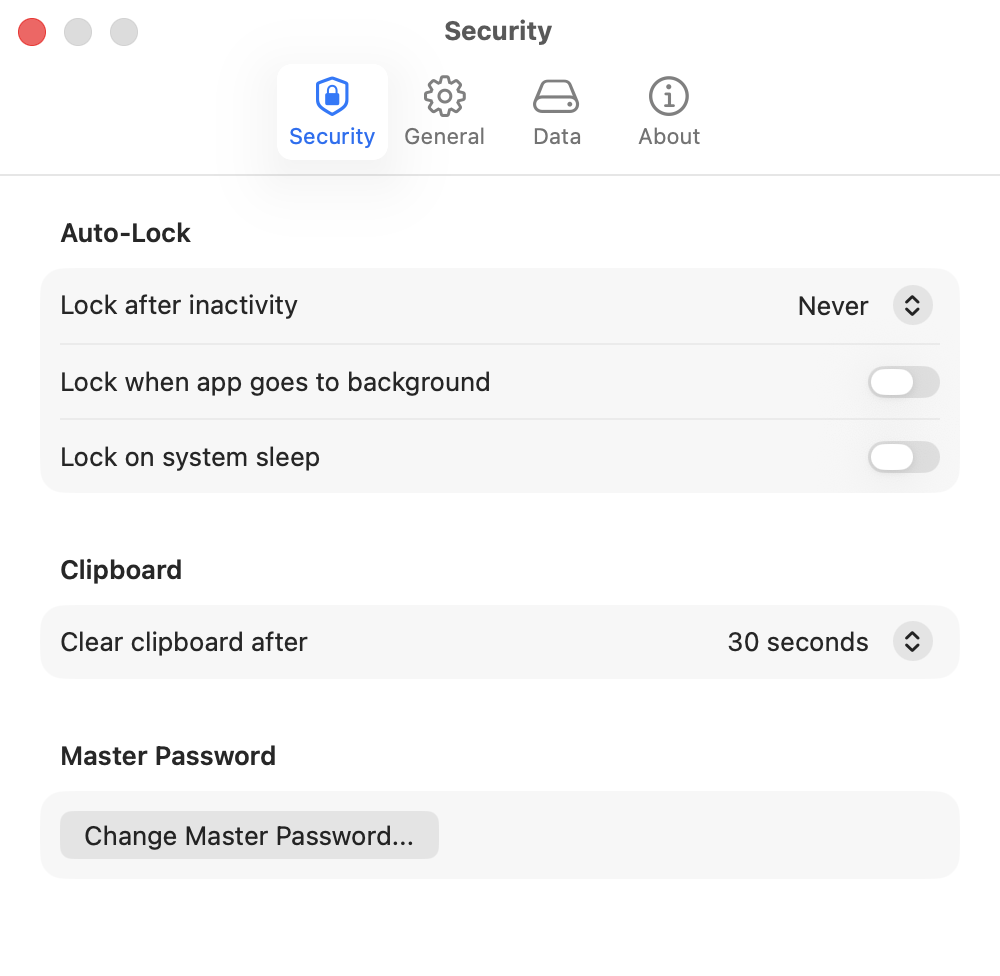
OSVault — Settings
Security settings — auto-lock, clipboard, master password

Installation

1

Download

Get OSVault.dmg from Releases

2

Open DMG

Double-click the downloaded file

3

Drag to Apps

Move OSVault.app to Applications

4

Create Master Password

Set your master password on first launch

✓ Apple Notarized ✓ Code Signed ✓ Hardened Runtime ✓ macOS 14+

More Apps