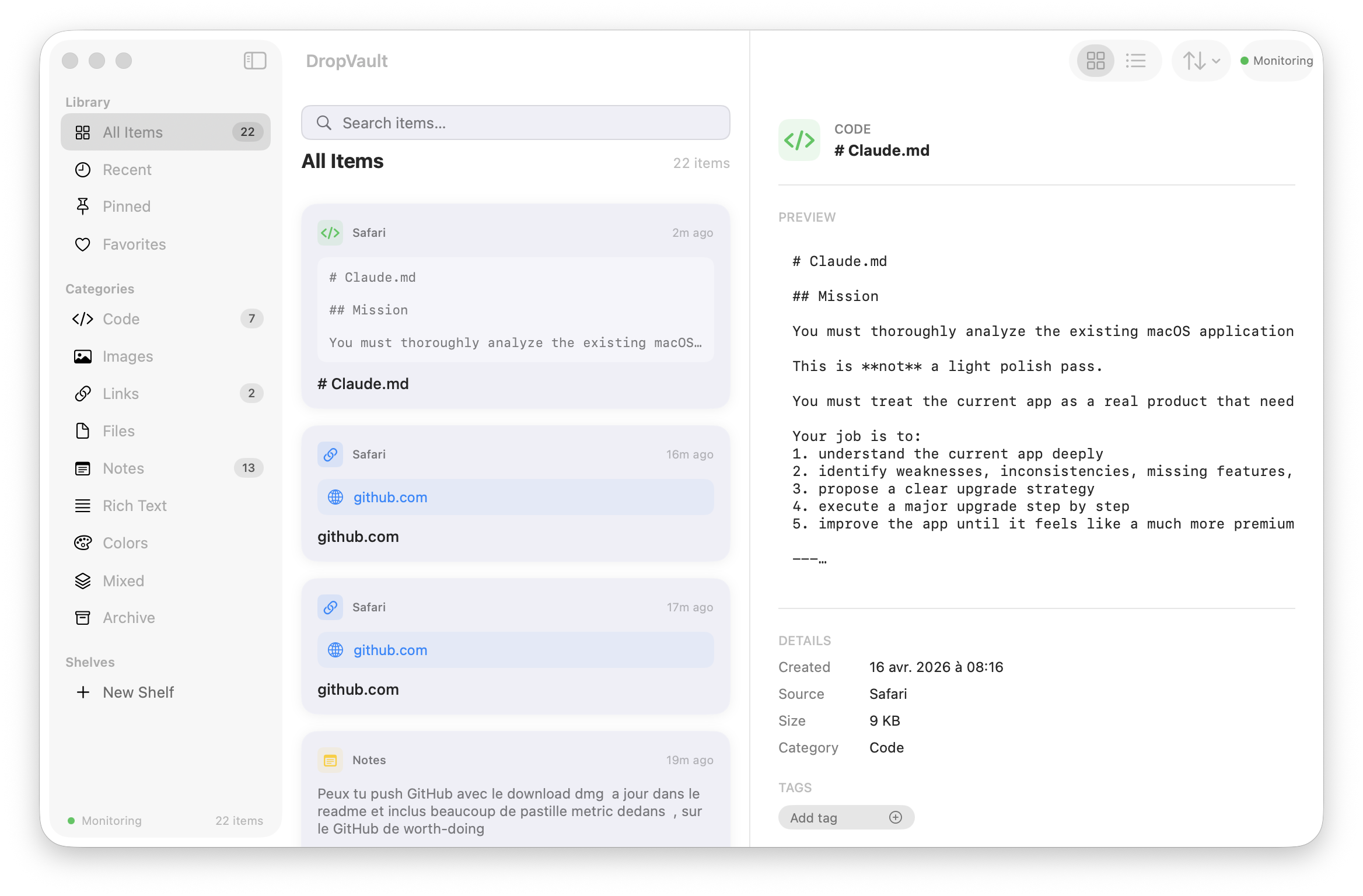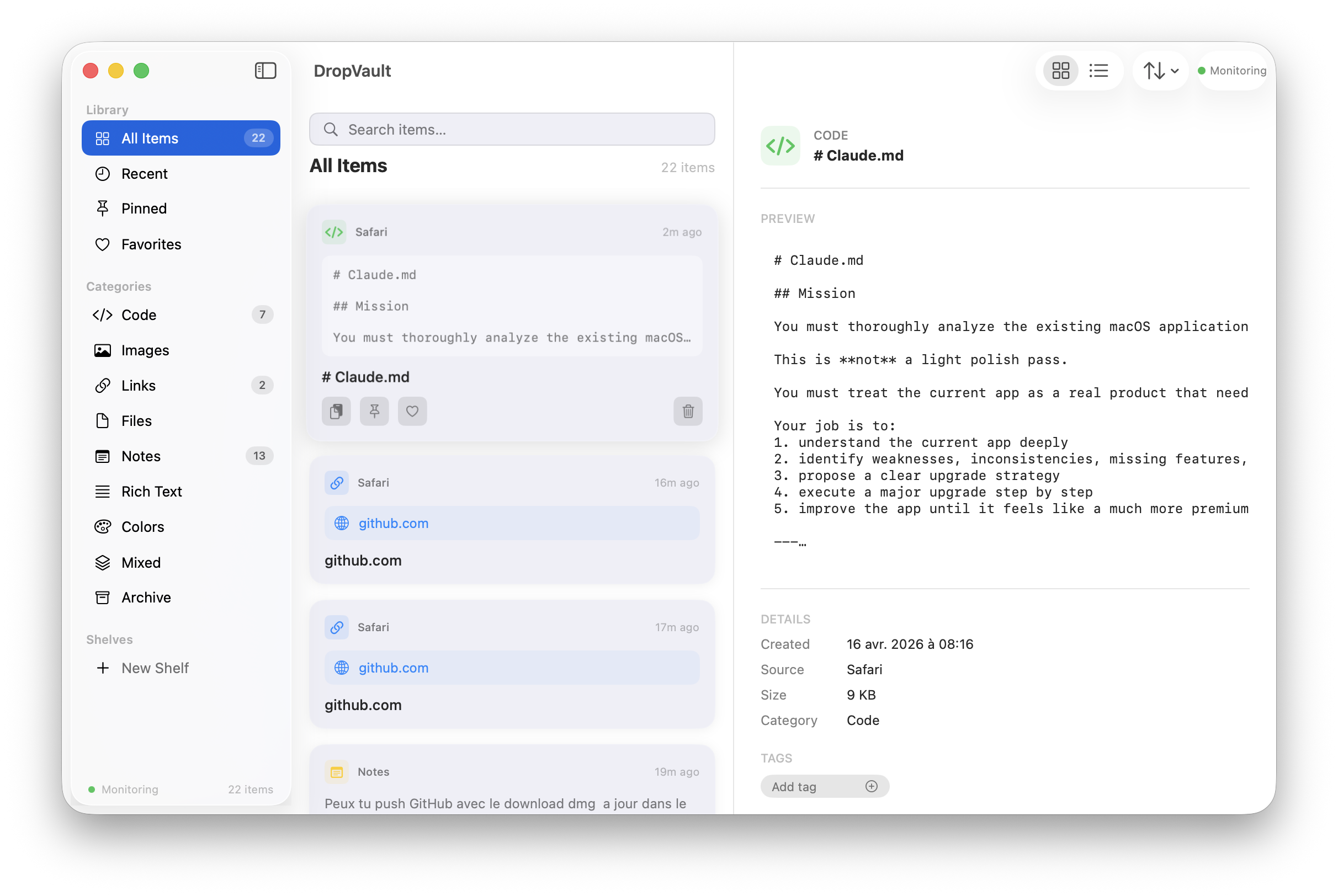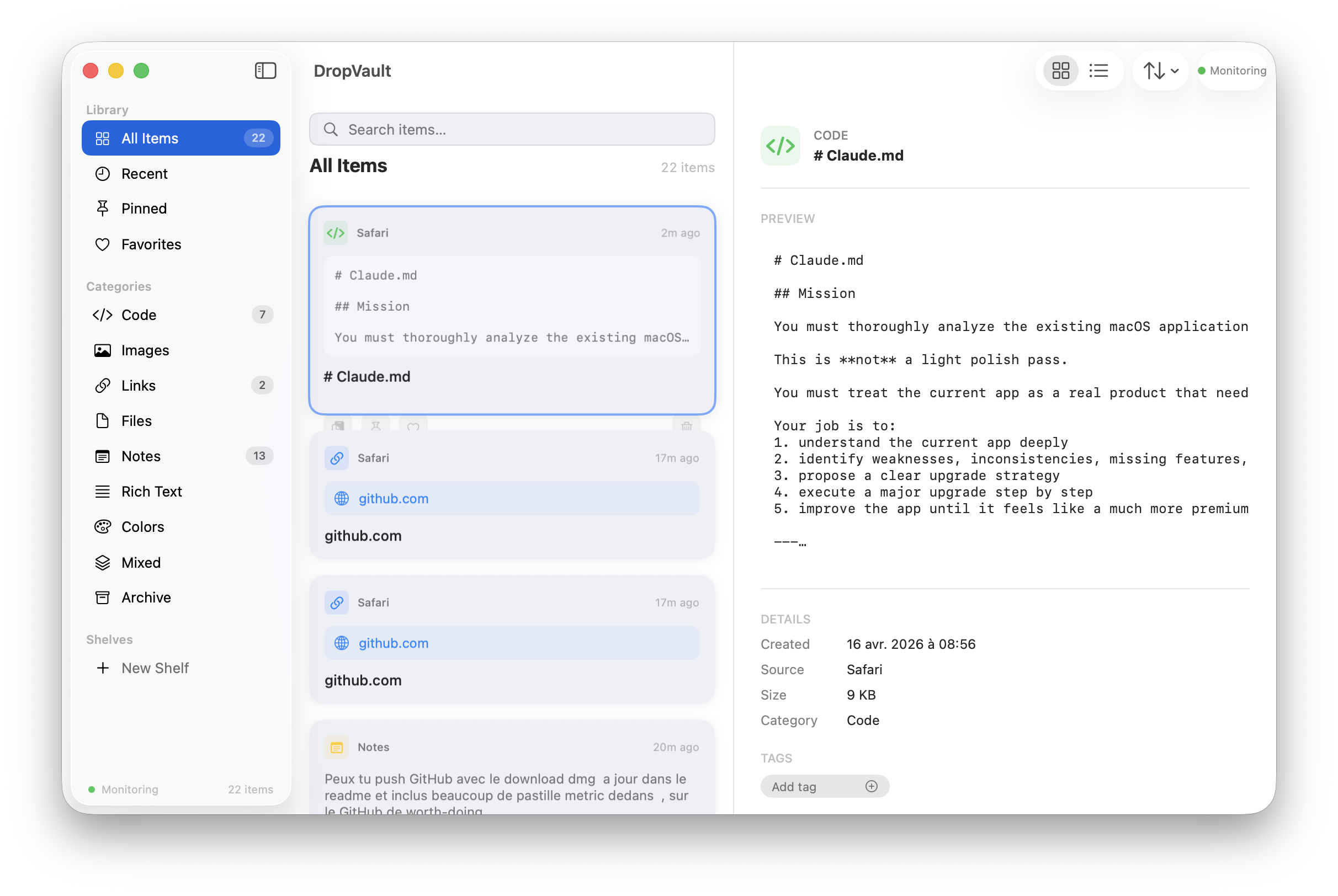
The visual memory layer for macOS. A next-generation clipboard and drag-and-drop command center with menu bar access, floating drop zone, shelves, tagging, sorting, grid/list views, export/import, and full keyboard shortcuts.
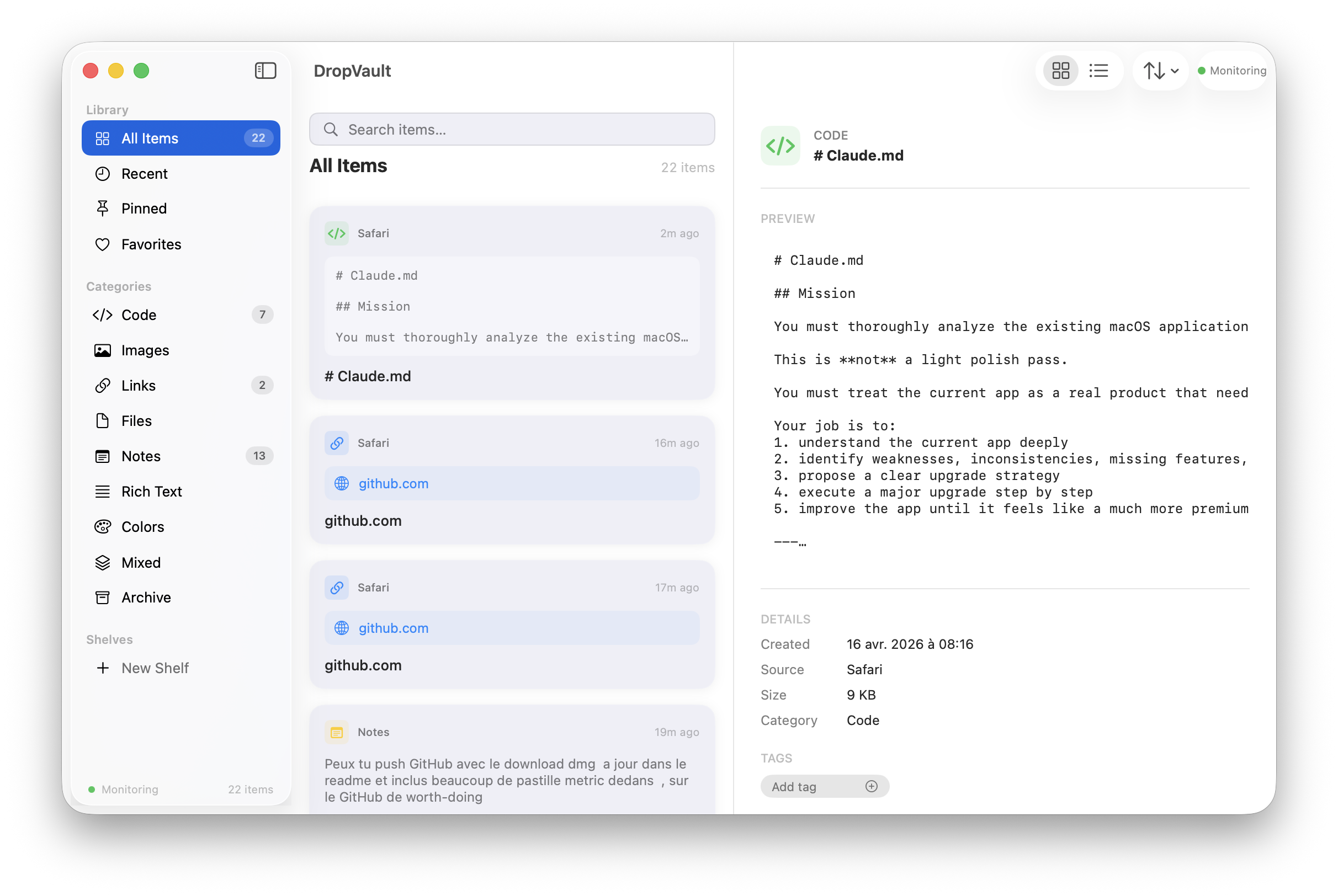
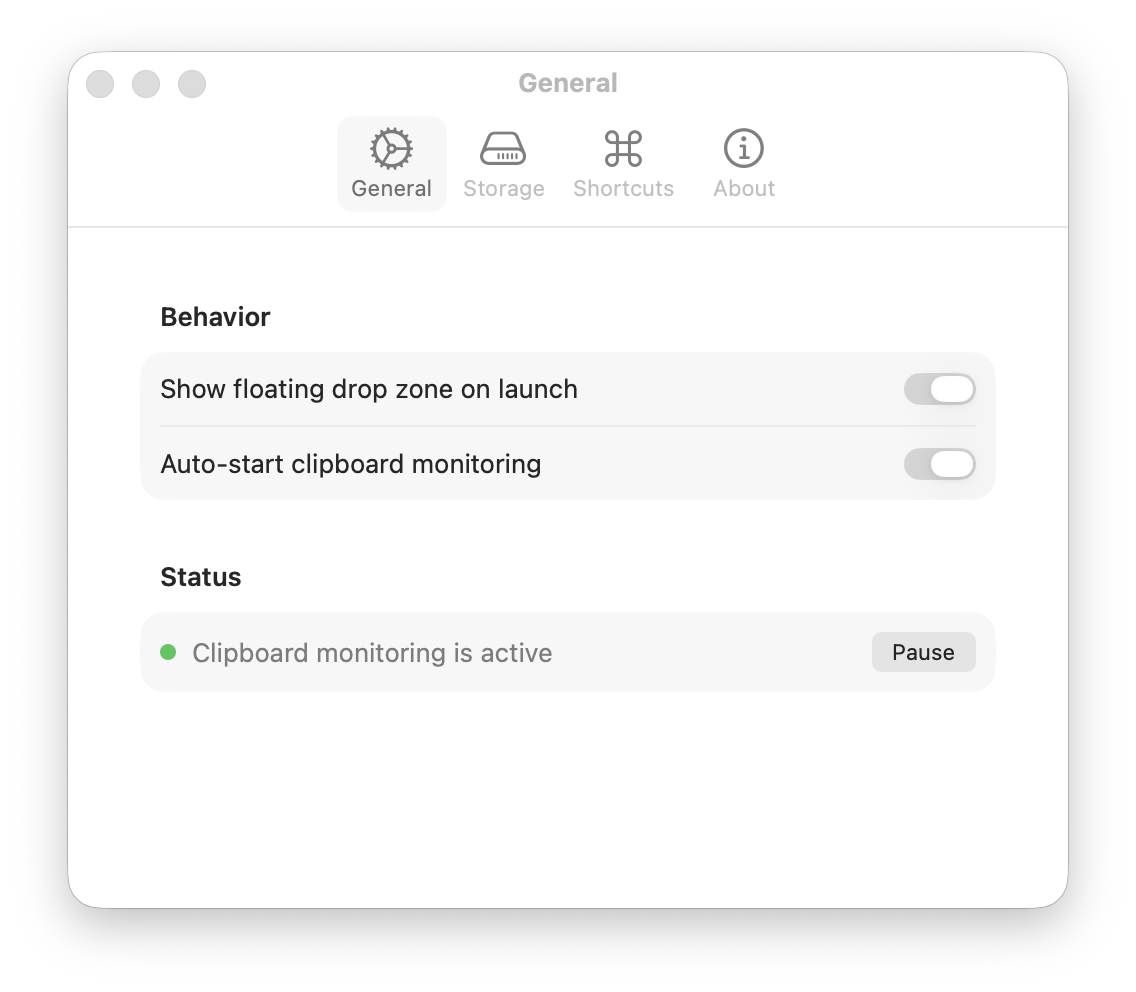
Automatic clipboard capture with toggle control. Pause/resume from toolbar, menu bar, or settings. Copy confirmation toast.
Drag and drop anything onto the floating window. Files, text, images, links — all captured and organized automatically.
Organize items into shelves with custom icons (13 options). Add and remove tags freely. Rename and manage via context menu.
Toggle between visual card grid and compact list. 6 sort modes: newest, oldest, A–Z, Z–A, largest first, by category.
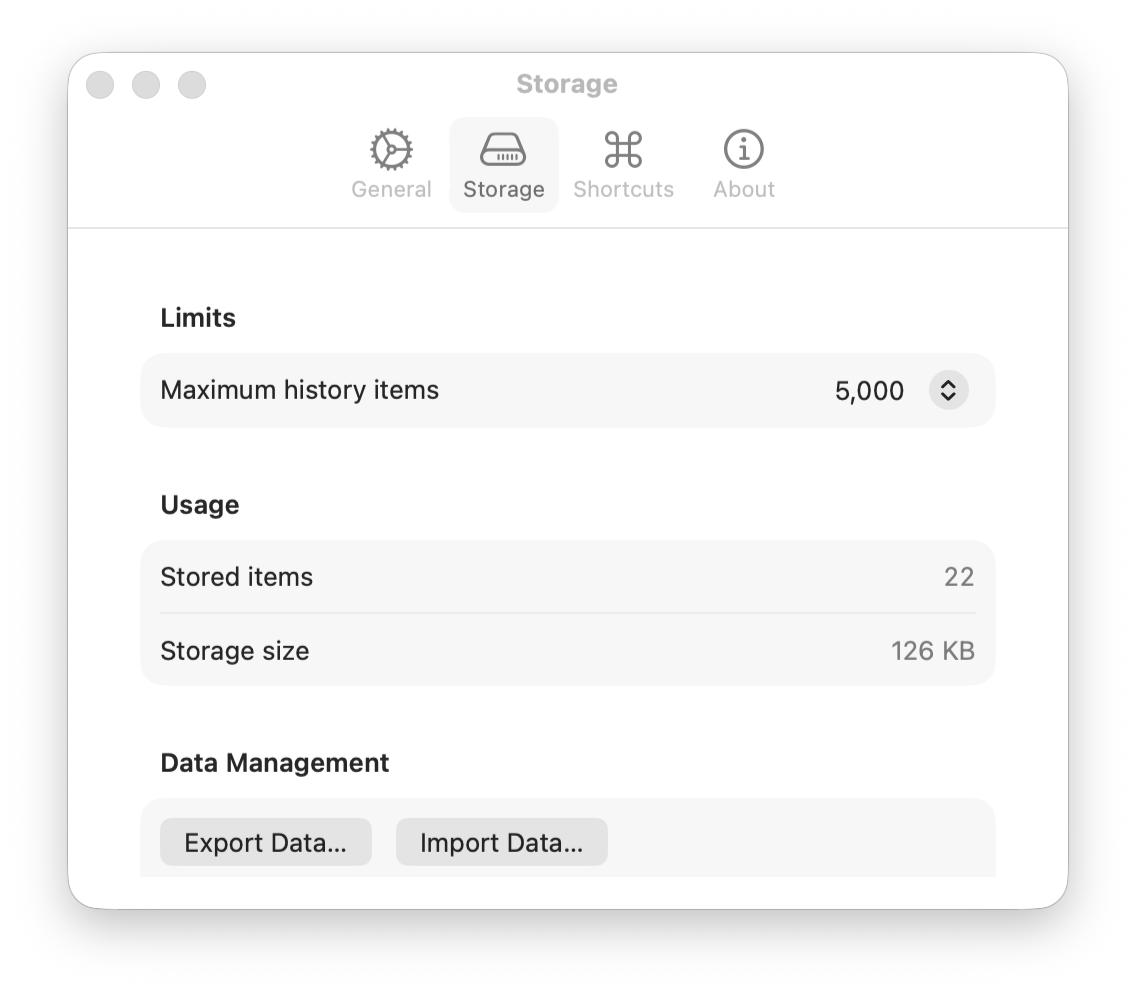
Export your full vault to JSON, import with automatic deduplication. Open links in browser, reveal files in Finder.
Quick-access menu bar icon with recent items, monitoring toggle, and drop zone control. Always one click away.
Get DropVault.dmg from Releases
Double-click the downloaded file
Move DropVault.app to Applications
Opens in menu bar automatically