GridForge

GridForge

Next-Generation Spreadsheet Engine

A native macOS spreadsheet with a real formula engine, XLSX import/export, 50+ built-in functions, multi-sheet tabs, inspector panel, and full dark mode support. 64 passing tests, 7,633 lines of Swift, 2.4 MB DMG.
 macOS 14+ Swift 5.9+ 7,633 LOC v1.0.0
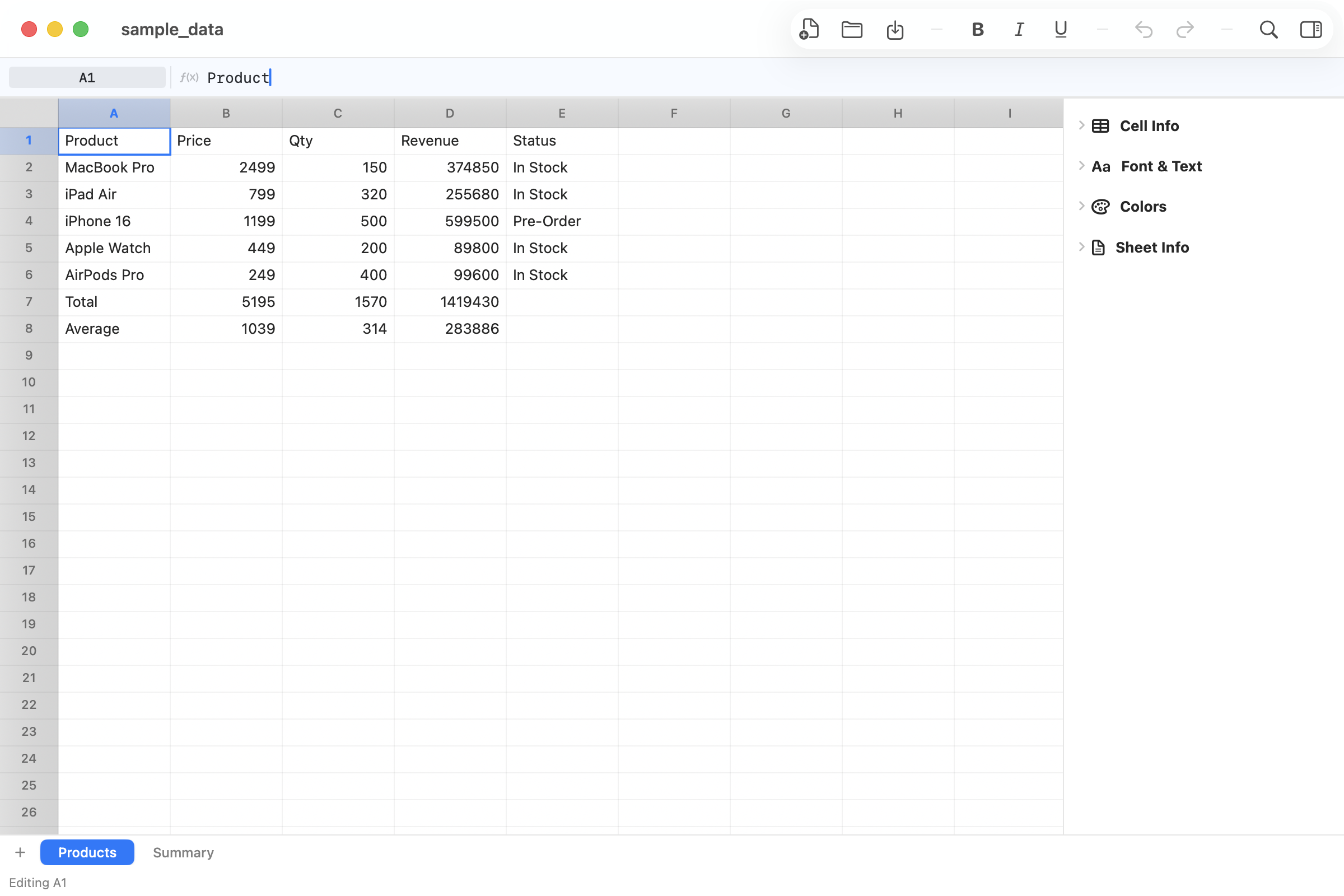
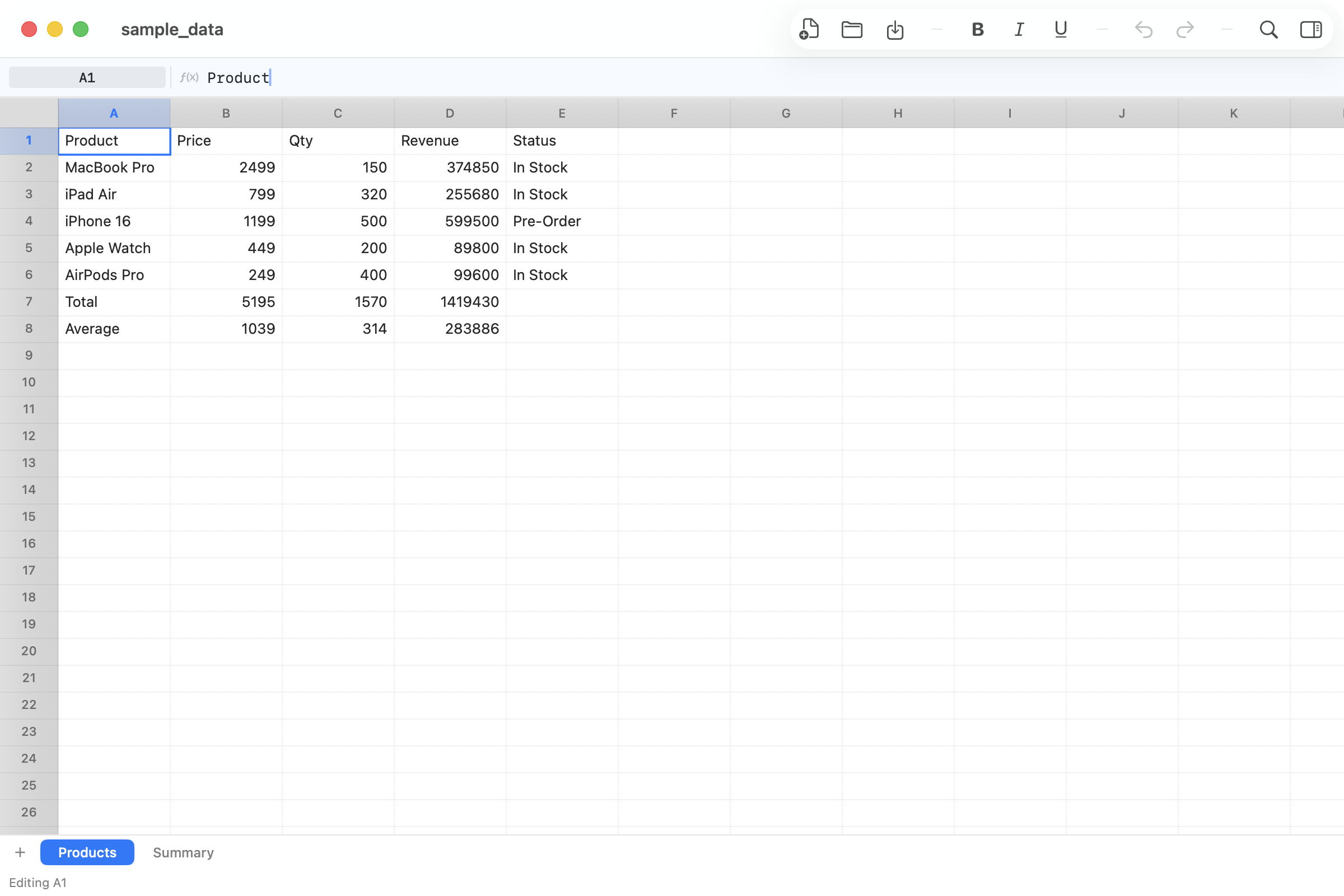
GridForge — Main Spreadsheet

Features

ƒ

50+ Formula Functions

SUM, AVERAGE, IF, VLOOKUP, COUNTIF, CONCATENATE, DATE functions, and more. Real formula parser with cell references and ranges.

📄

XLSX Import & Export

Open and save Excel .xlsx files natively. CSV export also supported. Seamless compatibility with existing spreadsheet workflows.

📑

Multi-Sheet Tabs

Create, rename, and switch between multiple sheets. Tab bar at the bottom like traditional spreadsheets.

🔎

Inspector Panel

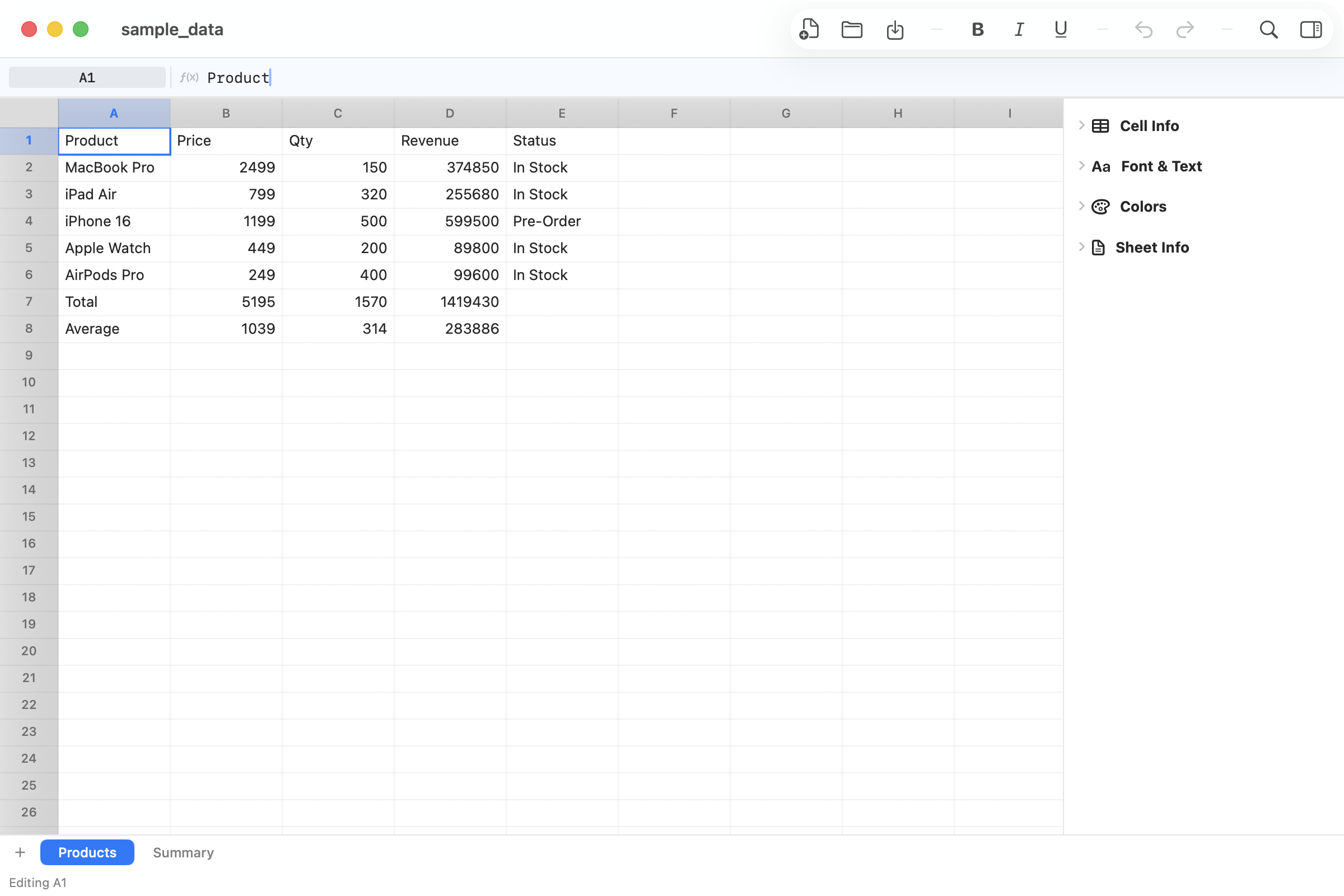
Side panel with Cell Info, Font & Text formatting, Colors, and Sheet Info sections. Full cell formatting controls.

📈

Live Statistics

Select a range and see Sum, Average, Count instantly in the status bar. Formula bar shows cell content and address.

Undo/Redo & Dark Mode

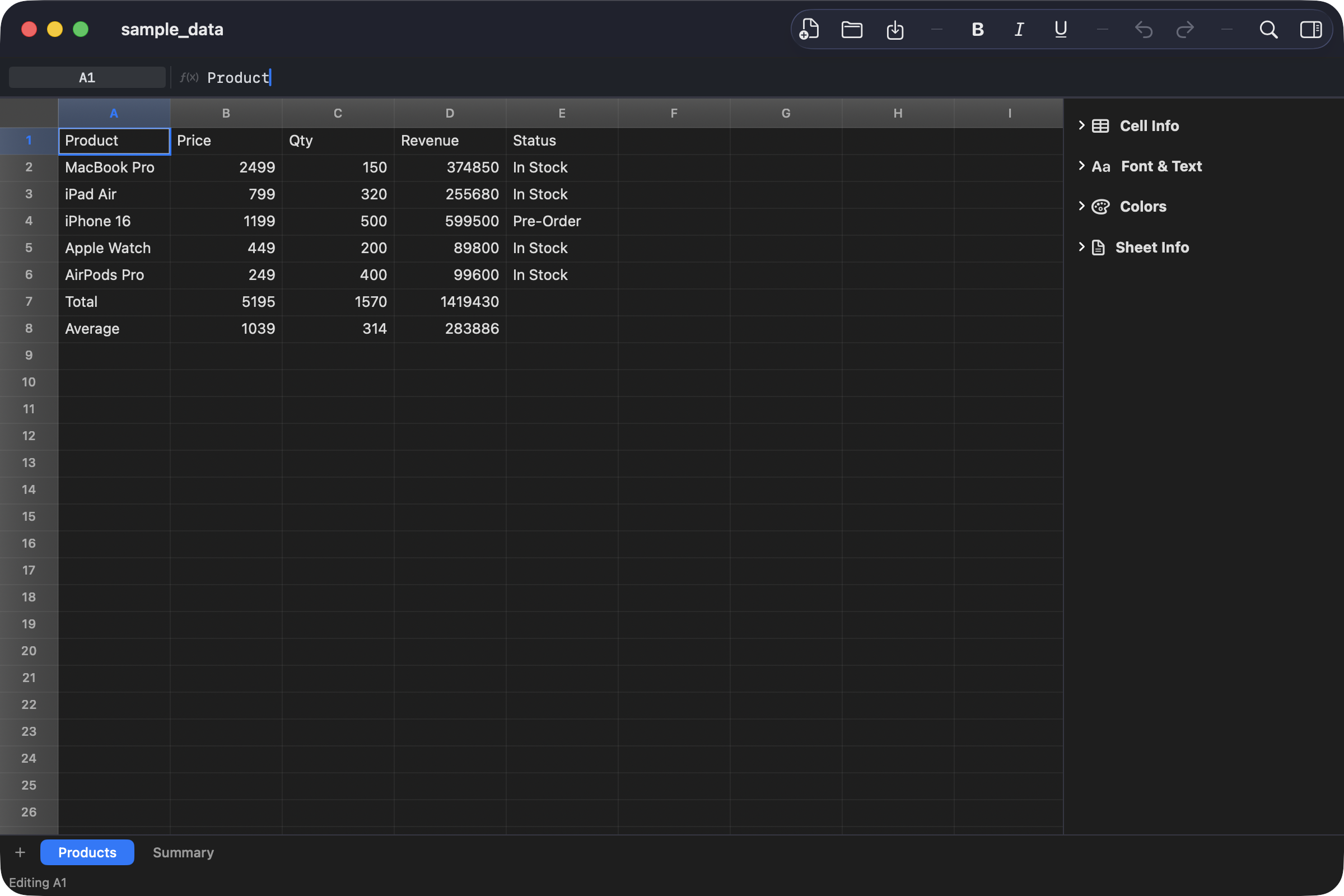
Full command-pattern undo/redo. Complete dark mode support. 64 automated tests covering models, formulas, and XLSX handling.

Screenshots

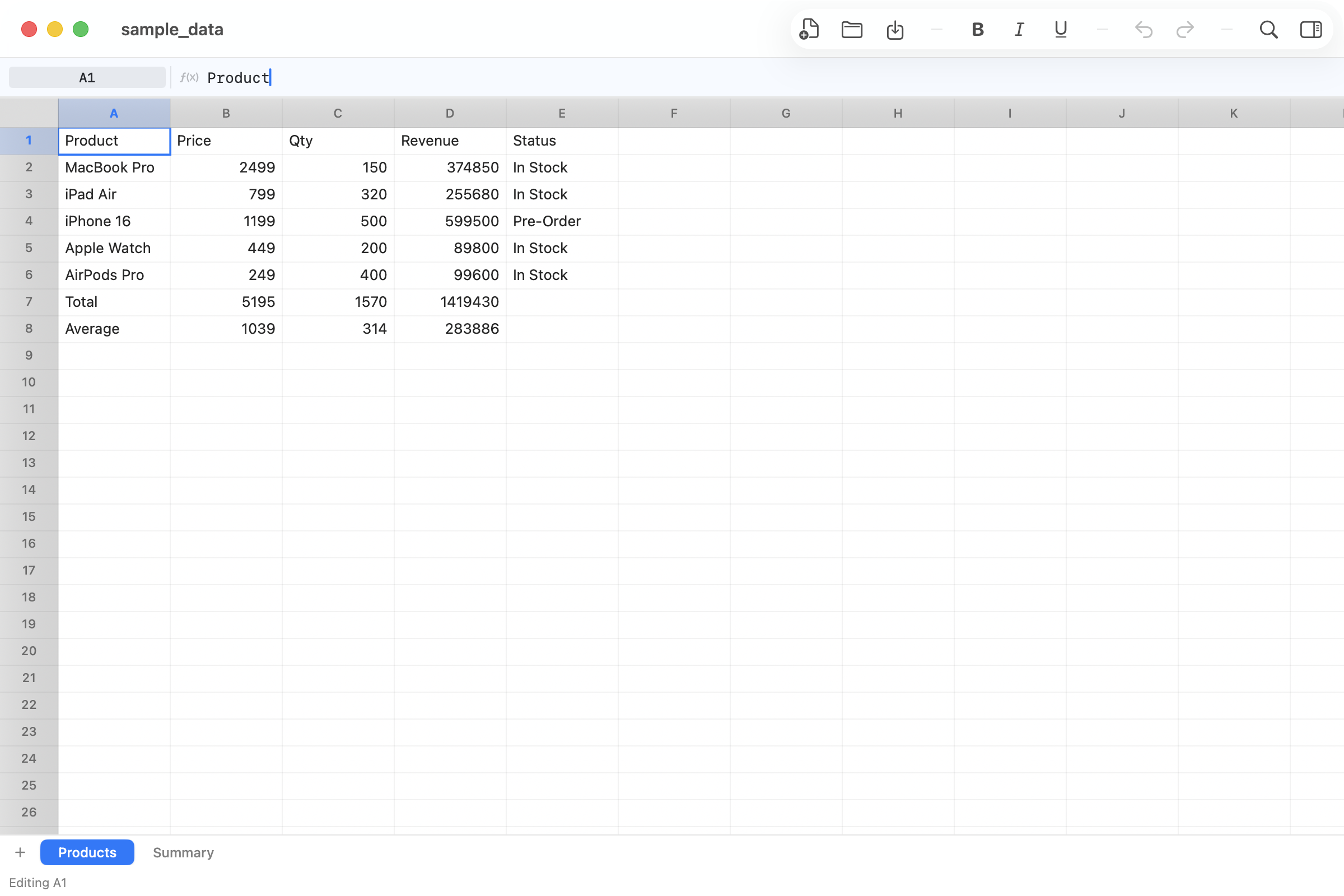
GridForge — Formula Bar
Formula bar shows cell content — name box, f(x) indicator, raw formula/value
GridForge — Inspector
Inspector with Cell Info, Font, Colors, Sheet Info
GridForge — Range Selection
Multi-cell selection with live statistics
GridForge — Dark Mode
Full dark mode support

Installation

1

Download

Get GridForge.dmg from Releases

2

Open DMG

Double-click the downloaded file

3

Drag to Apps

Move GridForge.app to Applications

4

Launch

Open from Spotlight or Launchpad

✓ Apple Notarized ✓ Code Signed ✓ macOS 14+ ✓ 64 Tests Passing

More Apps