Foundry

Foundry

The Native Claude Code Interface

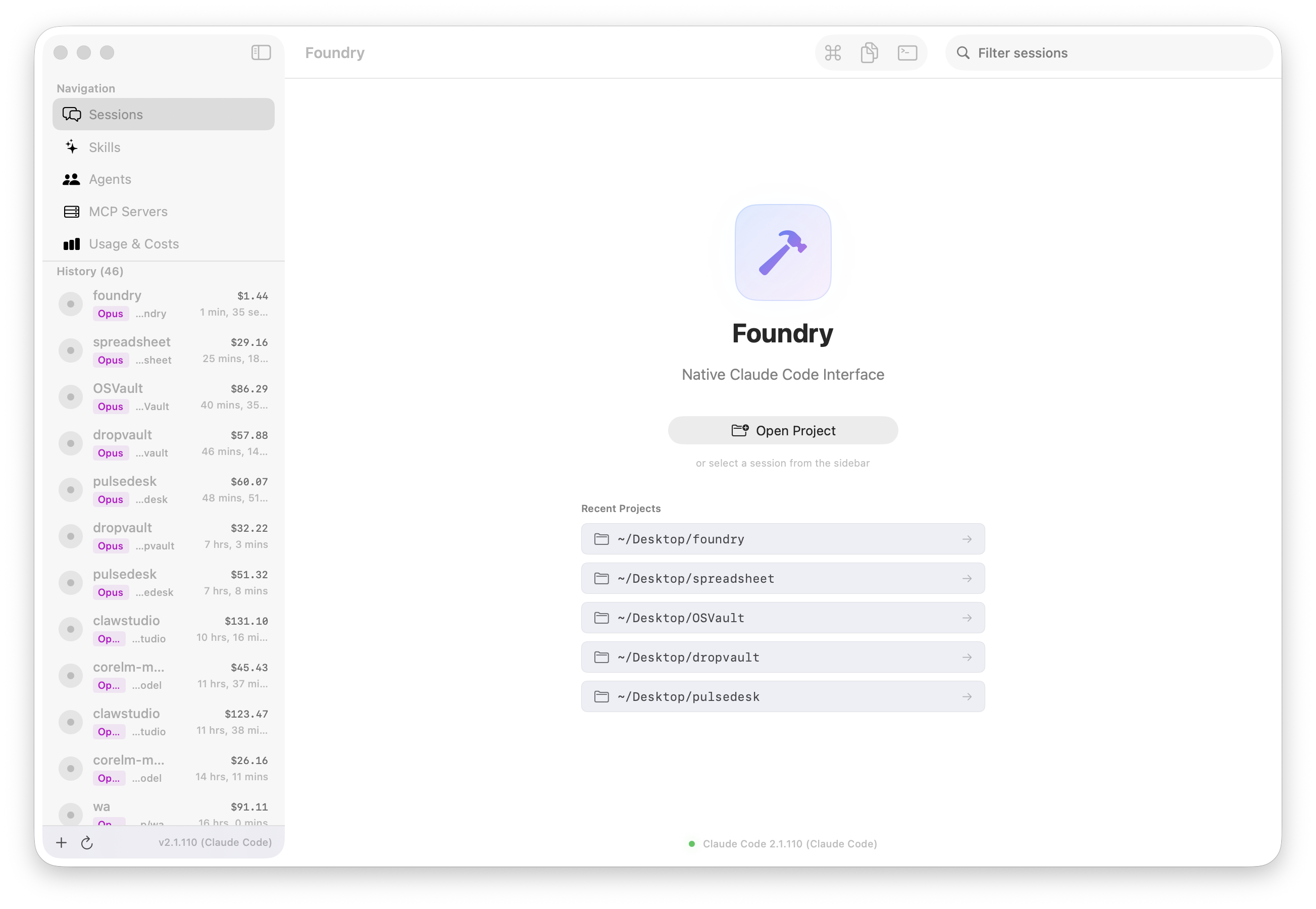
A fully native macOS application that transforms Claude Code from a CLI tool into a visual development studio. Session timelines, usage analytics, skills browser, agents management, and MCP server configuration — all in a premium SwiftUI interface.
 macOS 14+ Swift 6.0 11,000+ LOC v4.0.0
Foundry — Main View

Features

Session Timeline

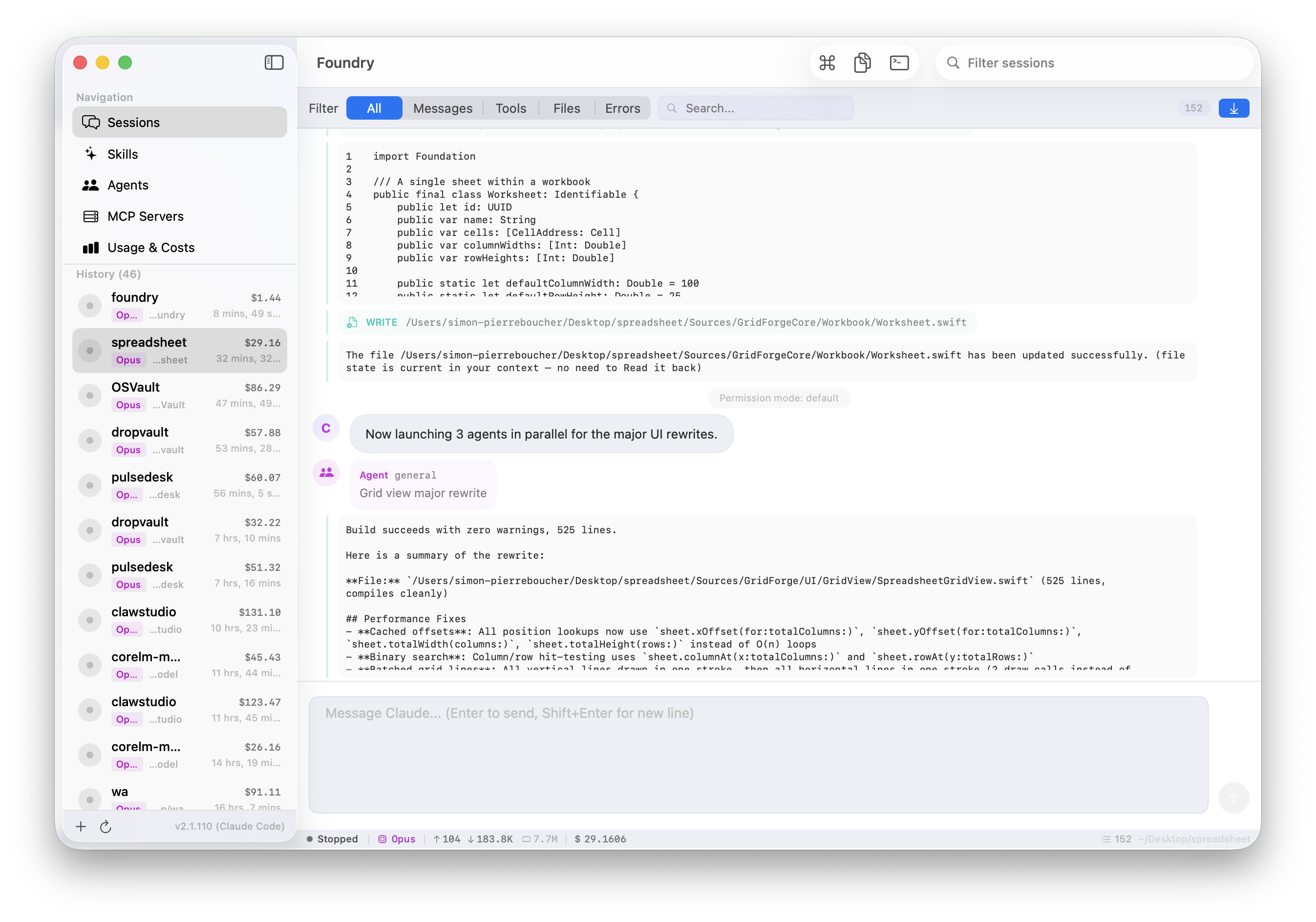
Visual timeline with code blocks, tool events, agent spawns, and real-time status tracking for every Claude Code session.

📈

Usage & Cost Analytics

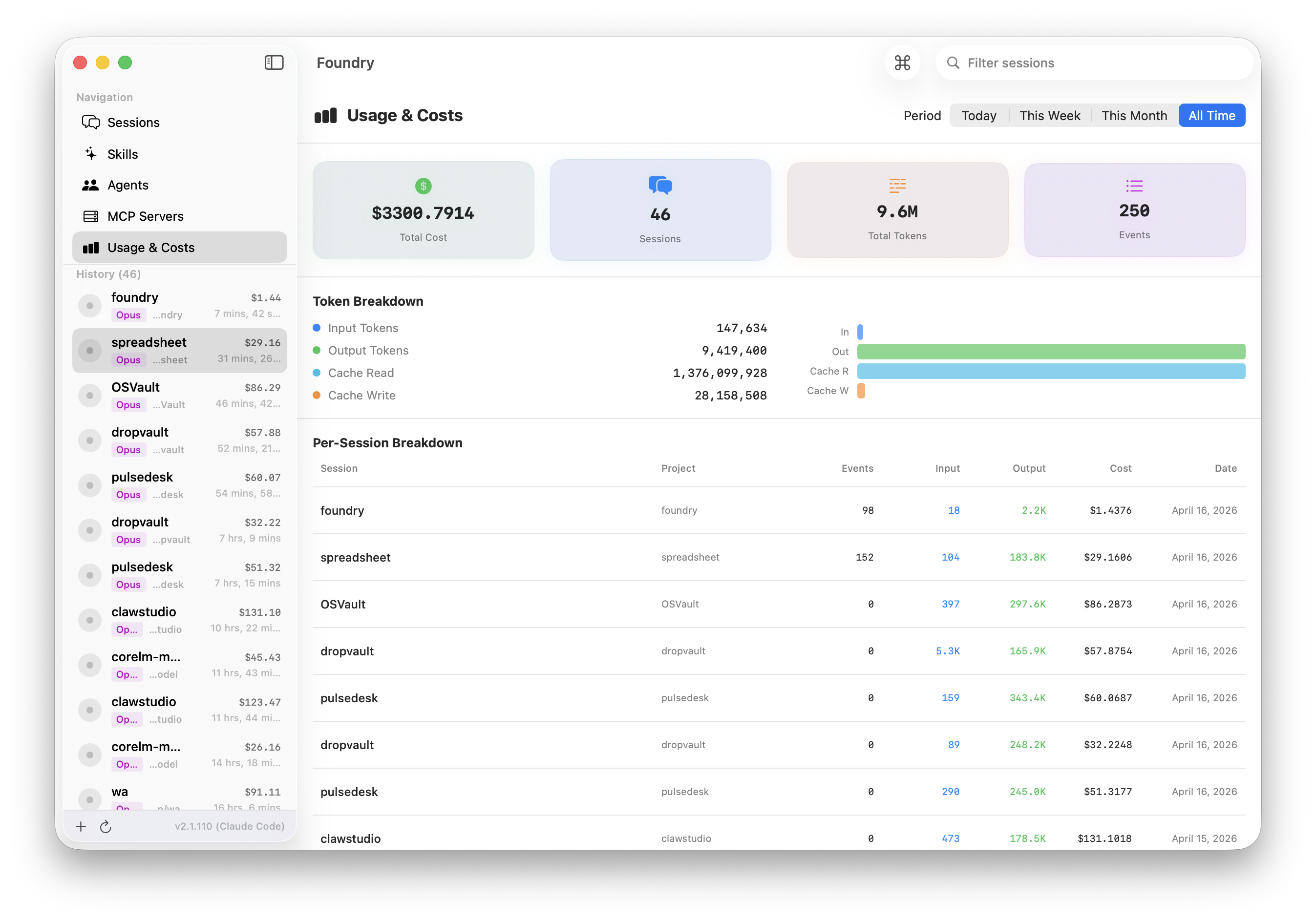
Detailed usage dashboard with cost tracking, token breakdown, and per-session analytics tables.

Skills Browser

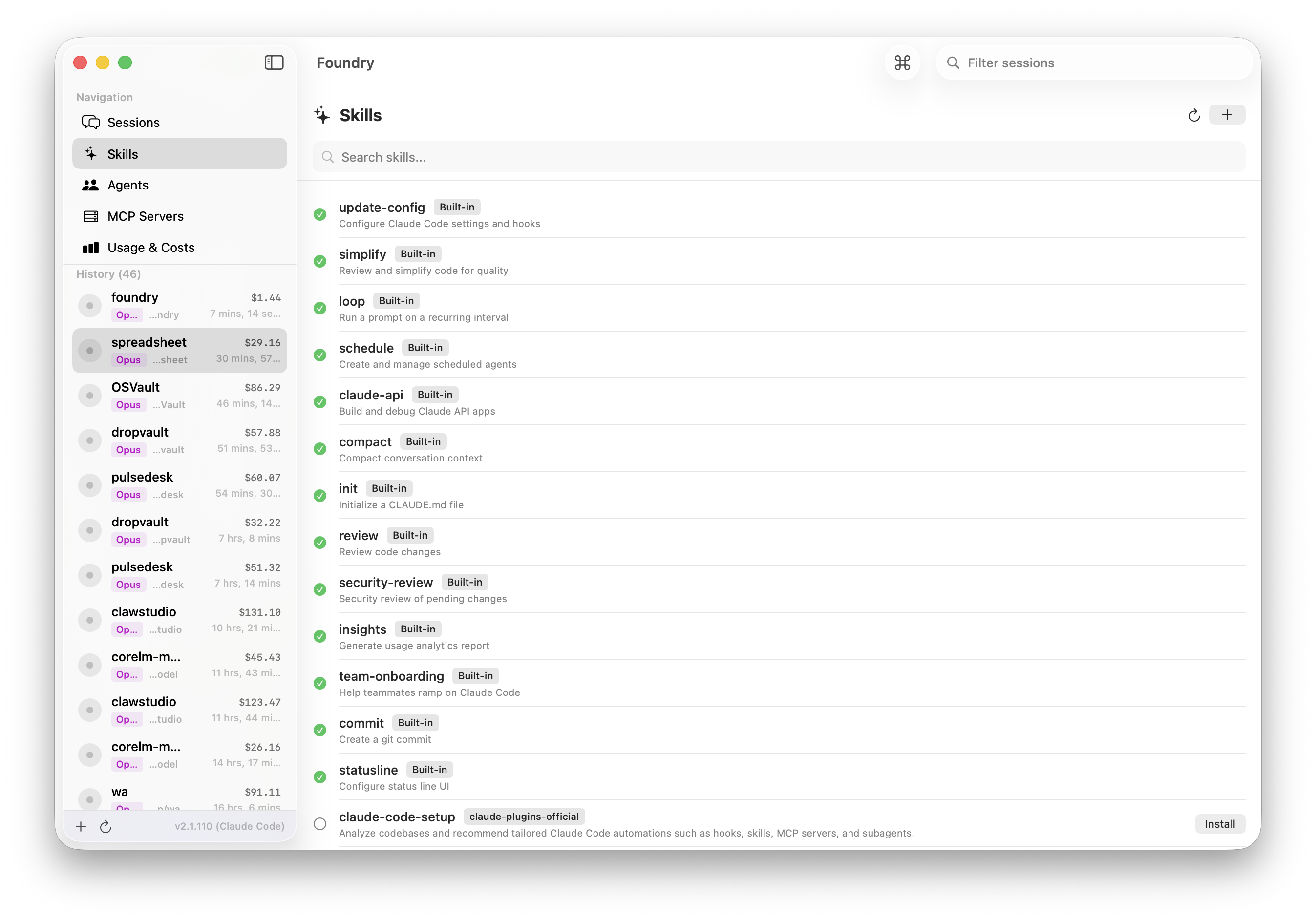
Browse built-in and marketplace plugins with one-click installation. Discover and manage all available skills.

🤖

Agent Management

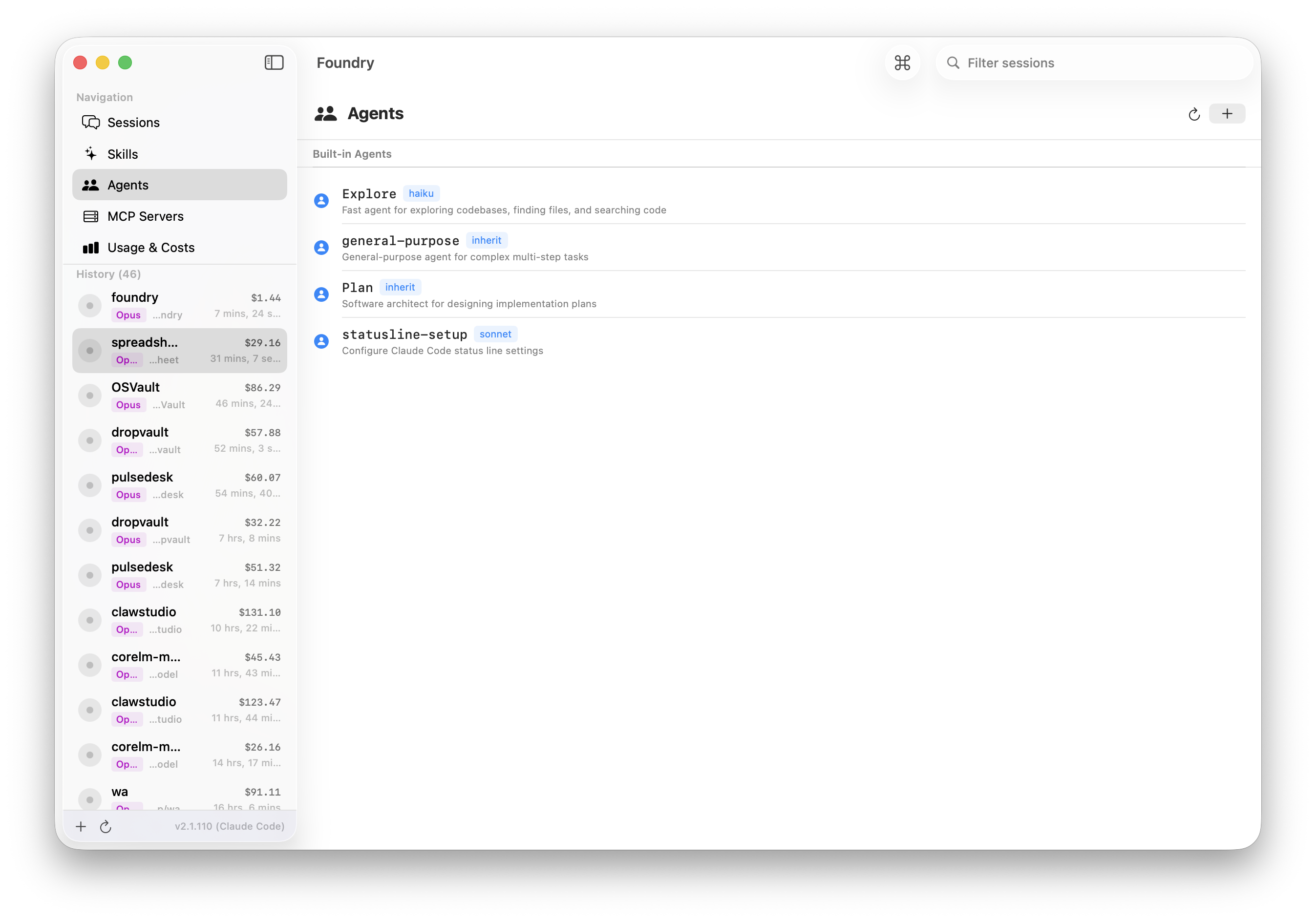
View built-in agents and configure custom ones. Full agent lifecycle management from a native interface.

🔌

MCP Server Config

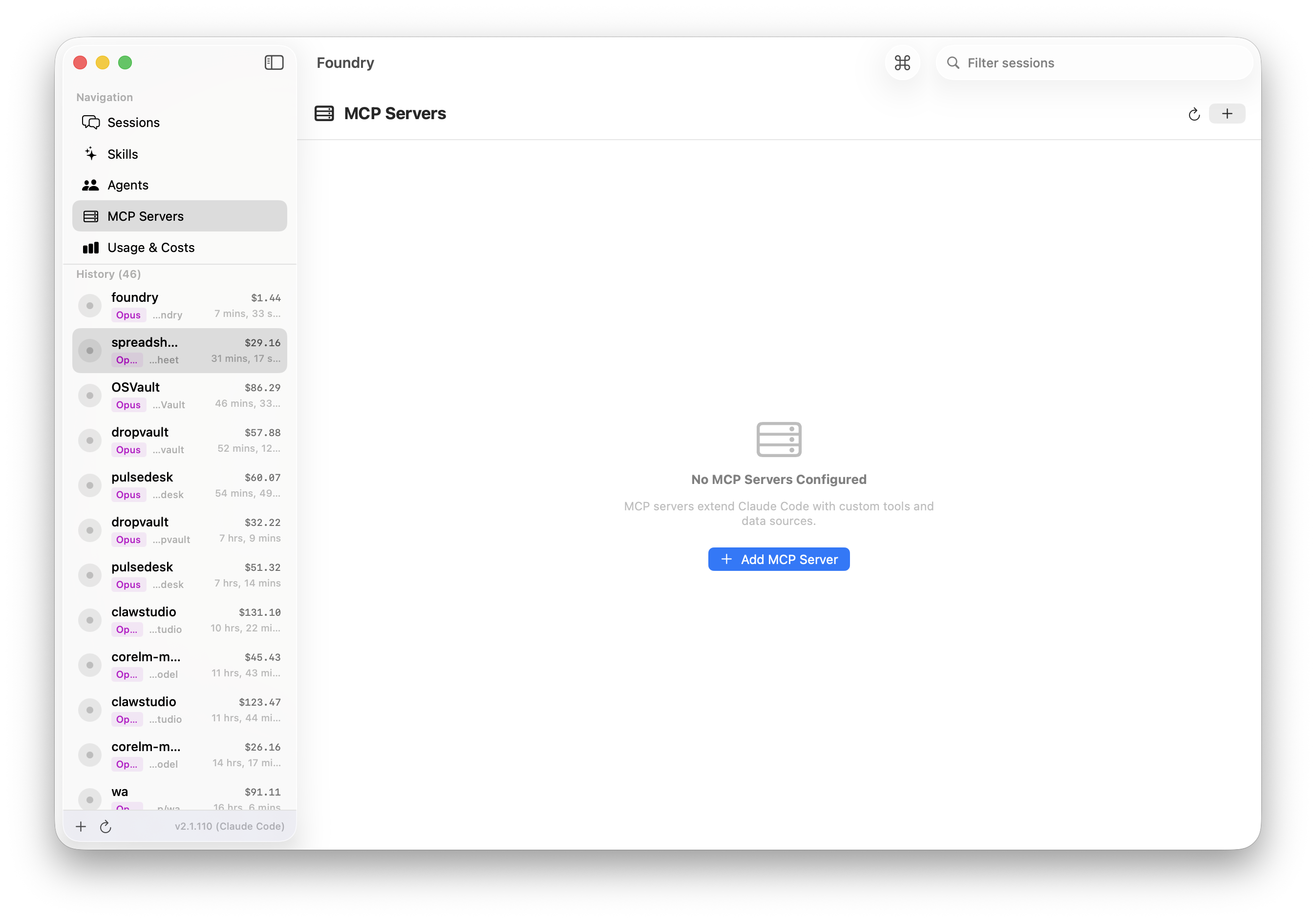
Add, configure, and remove MCP (Model Context Protocol) servers. Visual configuration replaces JSON editing.

🎨

Premium Glass UI

Beautiful glassmorphic interface built entirely in SwiftUI. Dark mode, smooth animations, native macOS feel.

Screenshots

Foundry — Session Timeline
Session timeline with code blocks, tool events, agent spawns, and status bar
Foundry — Usage & Costs
Usage dashboard with cost analytics, token breakdown, and per-session table
Foundry — Skills Browser
Skills browser with one-click install
Foundry — Agents
Agent management interface
Foundry — MCP Servers
MCP server management — add, configure, and remove servers

Installation

1

Download

Get the DMG from GitHub Releases

2

Open DMG

Double-click the downloaded file

3

Drag to Apps

Move Foundry.app to Applications

4

Launch

Open from Spotlight or Launchpad

✓ Apple Notarized ✓ Code Signed ✓ macOS 14+ ✓ Apple Silicon

More Apps